
One Webinar, Thirty Days of Social Content
Your last webinar is already a month of posts. You just haven't cut it up yet.
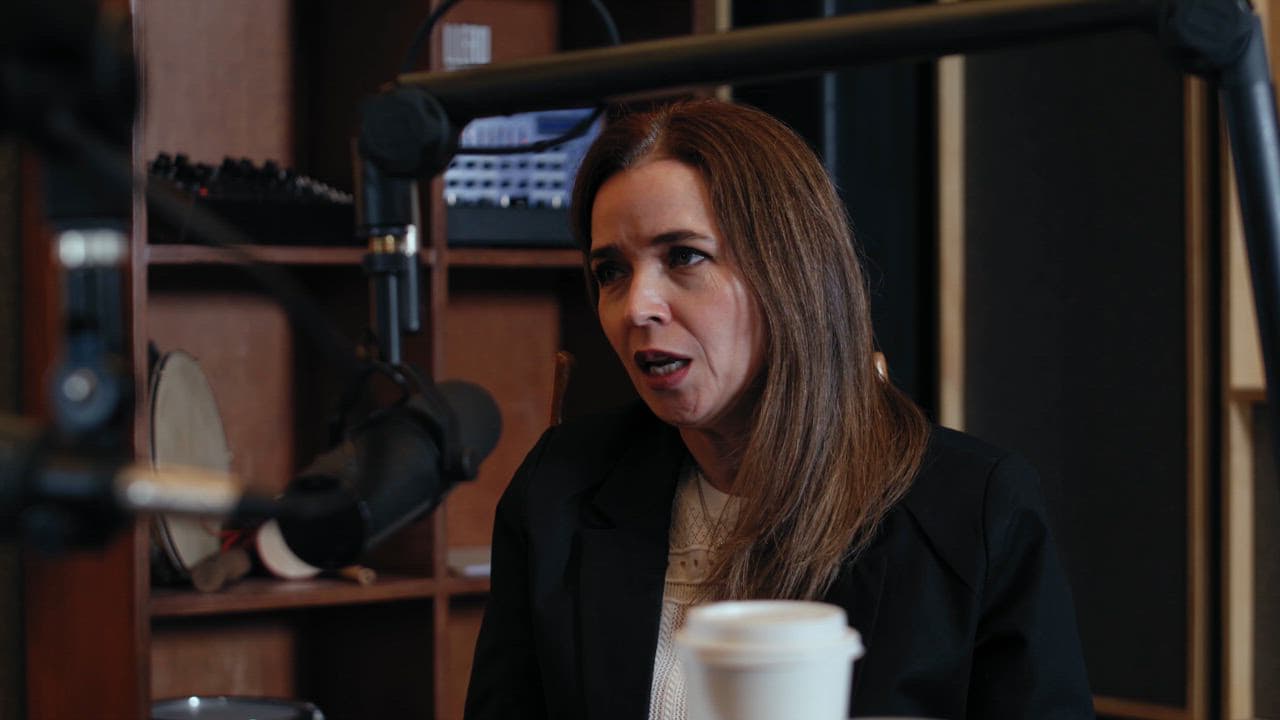
Most people finish a webinar, send a replay link, and move on. That's leaving a ridiculous amount of content sitting on the table.
A 60-minute webinar is not just a recording. It's a content library. One session can fuel your LinkedIn, Instagram, X, and email for a full month without you ever starting from scratch again.
Here's how to actually do it.
Start by Pulling the Raw Material
Before you think about formats, go back to the webinar and mine it for these specific things:
- Counterintuitive claims. Any moment where you said something that pushes back on common advice.
- Frameworks or steps. If you explained a process, each step can stand alone.
- Quotable one-liners. Scan the transcript for sentences under 20 words that land hard.
- Audience questions. The Q&A at the end is a goldmine because those are real objections and curiosities from real people.
- Mistakes or war stories. Personal examples you shared that illustrate a point.
A single 60-minute webinar will typically give you 8 to 12 usable source moments when you dig like this. That's your raw material.
Match Each Moment to a Format
Once you have your source moments, the job is matching each one to the right content shape. Different platforms want different things, and the same idea can stretch across several of them.
A counterintuitive claim becomes a short-form video clip with a caption. It can also become a text post on LinkedIn that opens with the provocative statement and then explains it.
A framework or step-by-step process becomes a carousel on Instagram or a thread on X. Each step gets one slide or one tweet.
A one-liner from the transcript becomes a quote graphic or a standalone text post. Simple.
An audience question becomes a Q&A style post where you pose the question and answer it. This format performs well because it signals that real people are asking this, which makes others feel like they're allowed to wonder the same thing.
A personal story or mistake becomes a longer LinkedIn post or a newsletter section. Narrative content earns trust and comments in a way that tips-based content rarely does.
Run all 8 to 12 source moments through this matching exercise and you will have somewhere between 20 and 35 pieces of content mapped out. That's your month.
Schedule It So You Actually Use It
The mistake people make is batching the content but not batching the scheduling. You end up with a folder full of clips and drafts that never get posted.
Block one afternoon after the content creation to load everything into a scheduler. Stagger the posts so you are not repeating the same idea two days in a row. Alternate formats, short video one day, text post the next, carousel after that. Your audience sees variety. You see a quiet content calendar.
If you are posting across three platforms, that one webinar will likely cover you for four to five weeks at a moderate posting cadence. That is a month of content from two hours of work, max.
This is exactly the workflow ReelCast was built to speed up. You drop your webinar recording in, and it pulls the clips, generates captions, and builds out your posting schedule automatically. The strategy above still applies, but you skip the most tedious part of the whole process. If you have a webinar sitting in your Google Drive right now, it's already a content plan. You just need to cut it open.