
One Webinar, 30 Days of Social Content
Your last webinar is already a month of posts. Most people just don't know how to pull it apart.
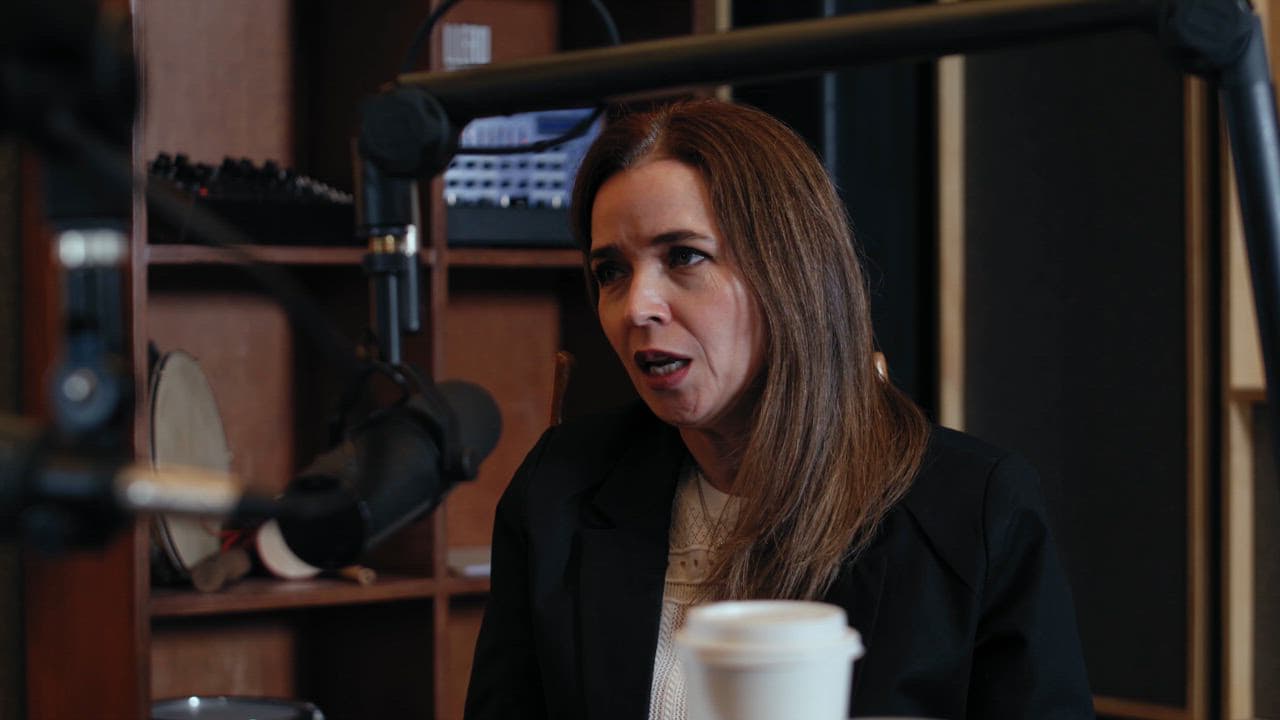
Most solopreneurs run a webinar, get a decent turnout, and then let the recording sit in a Google Drive folder until the end of time.
That recording is not a backup. It is your content calendar.
A one-hour webinar contains somewhere between 15 and 40 usable social moments. Quotes, frameworks, counterintuitive takes, short tutorials, audience questions, personal stories. The raw material is already there. The work is just knowing how to slice it.
Start With the Structure, Not the Timeline
Before you worry about what to post on which day, map the structure of your webinar. Most follow a loose pattern: hook, problem framing, teaching content, objection handling, call to action. Each section produces a different type of post.
The hook and problem framing sections are gold for relatability posts. Short, punchy, "you feel this too" content that works well on LinkedIn or Instagram.
The teaching content gives you your how-to posts. Break each distinct tip or step into its own standalone piece. A webinar with five main points becomes five separate carousels, threads, or short videos.
Objection handling is underrated. When you say "I know some of you are thinking X, but here is why that is not quite right," that is a contrarian post waiting to happen. Those tend to get the most comments.
The Six Content Formats You Can Pull From One Recording
Once you have your map, run the recording through these six formats:
- Quote graphics. Pull two or three lines where you said something genuinely sharp. Clean text on a simple background.
- Short clips. Anything under 90 seconds that makes a single point is a Reel, a Short, or a TikTok. You do not need a hook montage. The point itself is the hook.
- A written thread. Take your main framework and write it as a numbered LinkedIn or X thread. This is often your highest-reach post of the month.
- A carousel. The step-by-step section of your webinar almost always converts directly into a slide-by-slide carousel.
- A FAQ post. Audience questions from live Q&A become a "questions I get asked about X" post. Easy to write, easy to read.
- A behind-the-scenes caption. One honest, reflective post about what it was like to teach this material. What surprised you. What you would change. People respond to that.
That is six formats across roughly 20-30 individual posts. A full month, with room to spare.
The Scheduling Part People Skip
Having the content is one thing. Getting it out consistently is where most people stall. The gap between "I have a folder of clips" and "those clips are actually live and scheduled" is where content dies.
The fix is to batch everything at once, ideally within a day or two of the webinar while the material still feels fresh. Block two hours. Pull your clips, write your captions, schedule everything. Do not leave it for later-you. Later-you will not do it.
This is exactly the workflow ReelCast is built around. You upload your webinar recording, and it identifies the best clips, generates captions, and helps you schedule two weeks of posts before you close your laptop. The repurposing work that used to take a full afternoon gets done before lunch.
You already did the hard part when you ran the webinar. The content is sitting there. You just need a system to get it out.